Break Line Scramble
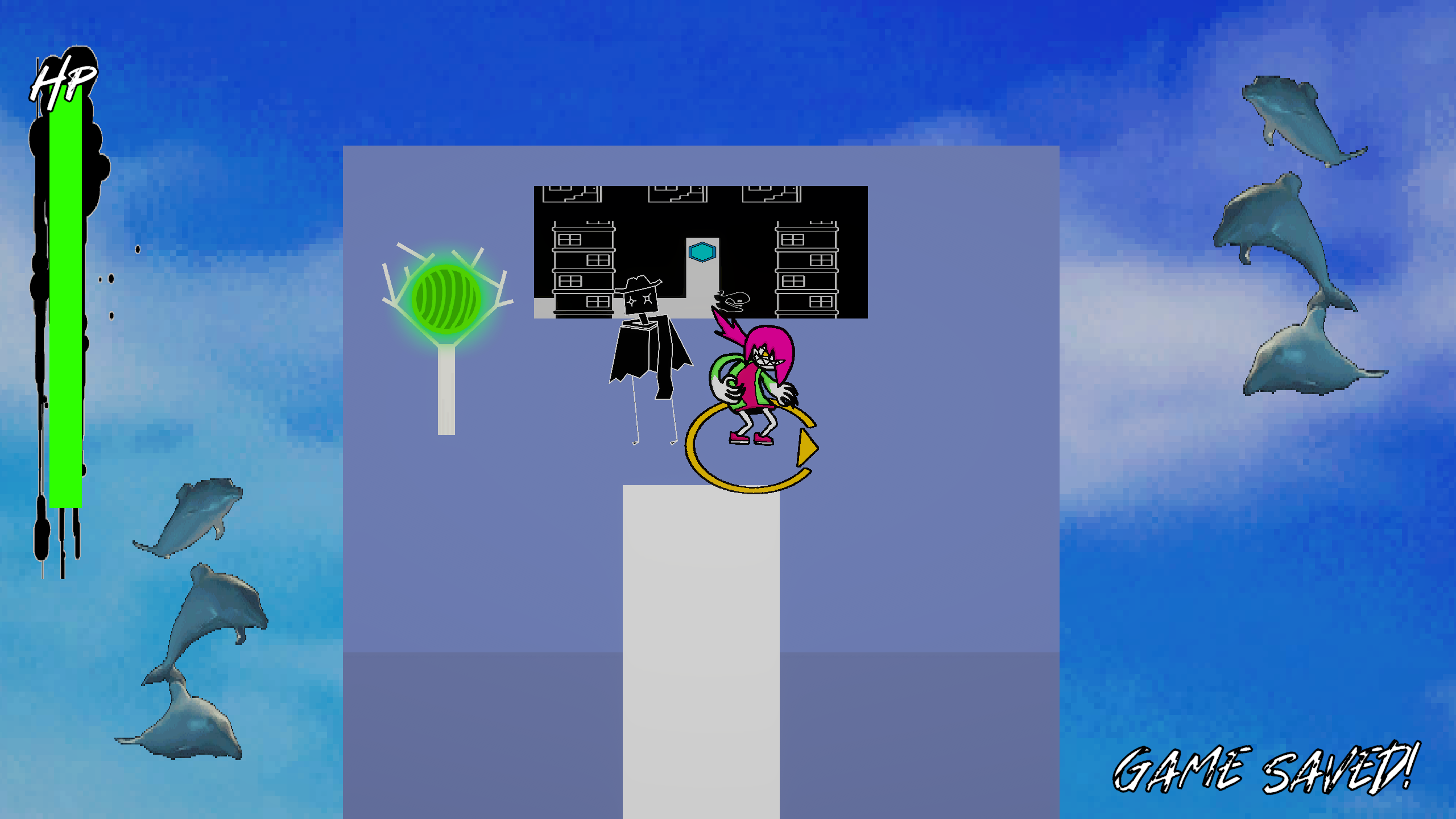
Destroy monsters in a top-down action game where you control three playable characters at the same time!
Platform: Windows PC
Development period: January – April 2026
Solo Project
Break Line Scramble was (at the time) the most ambitious solo project I had worked on. The core concept of controlling three characters at once is one I knew would be a lot of fun, but also something that would require a lot of attention to really sell the idea on a larger scale and ease some of the more abrasive aspects of the learning curve for something more demanding. As a result, I made not only a lot of complex design decisions, but also a whole suite of in-engine tools which would allow me to create the whole experience efficiently.
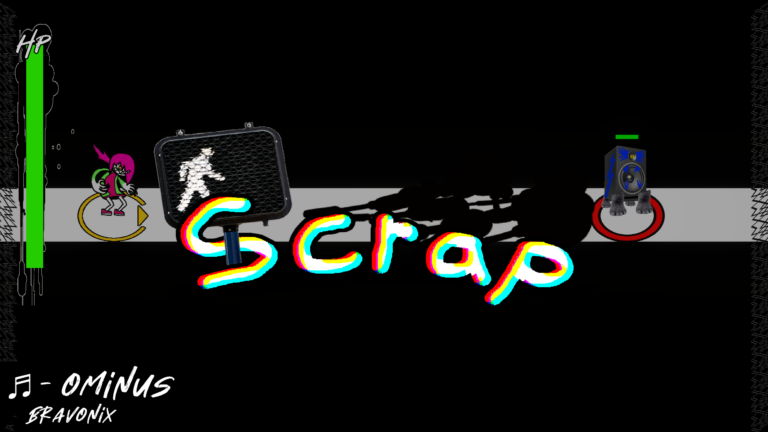
Combat starts with an opening animation and a randomly selected battle track, to get you in the headspace for fighting!
Controlling three characters at once is a double edged sword, as it can lead to a lot of satisfaction if you correctly manage each one and maximizing damage output, but also a lot of frustration if you’re feeling overwhelmed and start losing fights. Each character had to feel distinct, and they all had to balance each others strengths and weaknesses. This distinction formed a lot of the design decisions, from visuals to control scheme.
Each character occupies their own space in the control scheme. The first character, Gig, functions entirely on the keyboard, using standard W/A/S/D movement and having spacebar throw out melee attacks. The second, Bunk, utilizes only the mouse, moving to your cursor while you hold left click and aiming to shoot a laser beam when you hold right click. Scratch, the third character, uses the most unorthodox control method: You move a set of lines up and down with the scroll wheel and left and right with Q and E, and a circular attack on the ground will build speed while moving to where the lines intersect.
In addition to these control differences, each character is also rendered in a unique style. Gig hearkens back to early 2000’s internet animations (when we were all trying to be a bit edgy), while Bunk is styled after the vector-like imagery from games like Vib-Ribbon, with Scratch taking on a more sketch-like “scratchy pencil” look (hence the name!).
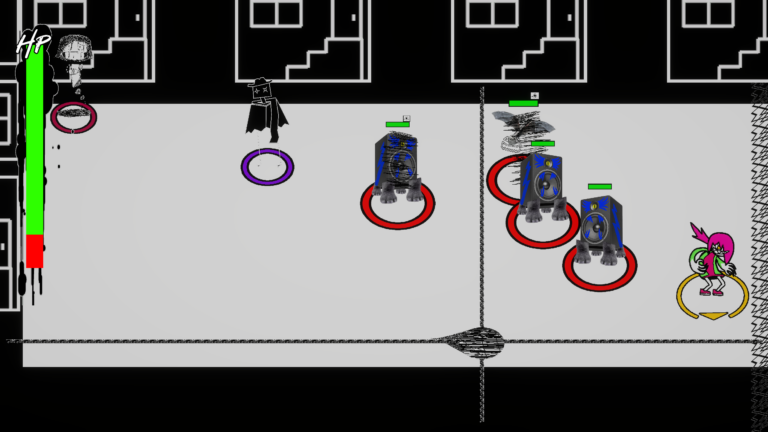
The final battle, using all three characters at once!
With all three characters in their own niches control-wise and visually, I needed to make sure the gameplay was carefully balanced around all three. With each new character having a more and more non-traditional control scheme, the commitment required to control them was designed to lessen. Gig, controlling normally, is also most often in the line of fire getting in close for melee attacks, requiring a level of finer control. Bunk’s quick movement to your mouse cursor and ability to attack from afar means that, while they do have a hitbox, you can often set them in a position that’s safe and attack enemies from afar, doing large motions to get to safety whenever that position is compromised. Scratch, being the hardest to control, can’t take damage at all, but also can’t deal any damage either, instead only inflicting a status effect.
Speaking of, status effects were a solution to making sure the game was engaging at multiple levels of play. Having each character be more forgiving as their controls get more niche meant there was a pretty clear skill floor, but perhaps not as much of a skill ceiling. To solve this, each character has a status effect that makes every attack interact with each other. Scratch inflicts shock, which makes every attack deal bonus damage, Bunk inflicts marked, which does a big damage burst when it’s removed, and Gig inflicts break, which deletes other status effects. Now, properly maximizing use of all three characters will have you dealing high amounts of bonus damage (especially on Gig’s three hit melee combo), but you can still clear combat encounters without using all the statuses.
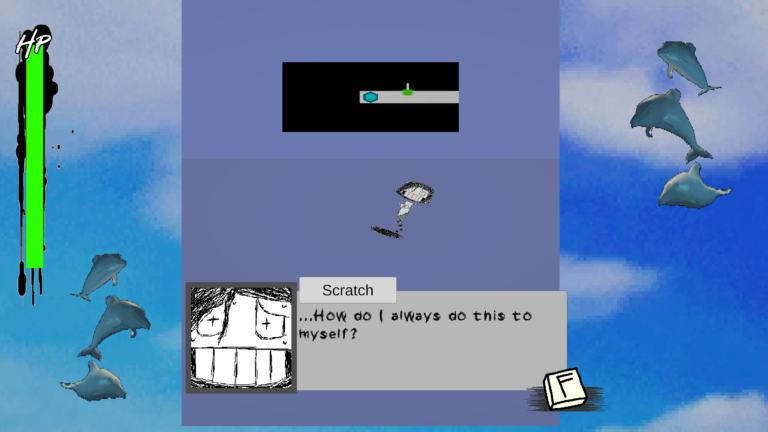
When you first meet Scratch, it’s when she’s trapped spinning in the open air. Luckily, you get to save her, and she joins the party!
Of course, a sound design means nothing if you can’t impart the basics onto the player during gameplay. If I wanted to communicate how to play and to the player and really give the prototype a sense of world, I would need some systems to do so, and they would have to be robust if I wanted to really make it feel like a slice of a full game experience. I got to work making a number of in-engine tools which allow me to curate dialogue interactions, battles, triggers, music, and even cutscenes to make the prototype as fully featured as I could.
All of these systems use a similar object-oriented approach, that allowed me to re-use the same scripts in multiple places to produce multiple bespoke battles and dialogue scenes. All of these actions are then linked up to triggers or interactable objects in world using the UnityEvent system, which allows you to call specific methods on a specified object on a per-object basis. In short, since each object was only aware of itself but had space to get another object to do it’s own thing, I could link in-game events together in sequence. I could have a cutscene lead into a battle which then leads into dialogue, all with no scripting beyond what was already there!
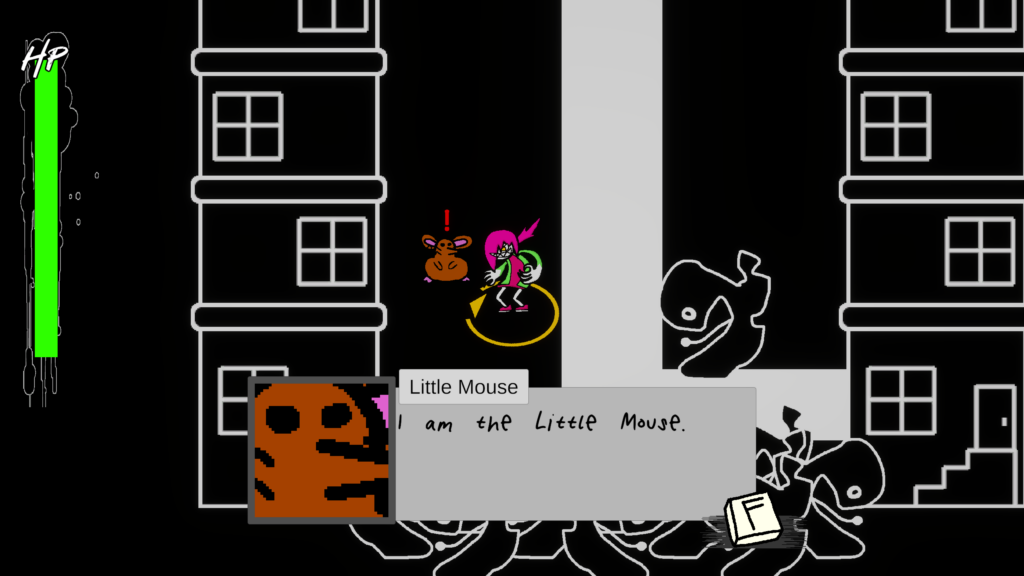
An example dialogue with the little mouse. It’s an informative conversation.
Dialogue sequences work on a per-conversation basis: All you have to do is specify the actors (which contain a characters name, face, and even font!) who speak in the scene, and then type who says what into a large table. Creating a battle is fairly similar: You just plug in which enemy types can spawn and where they spawn in, and then you can create a table specifying which enemies spawn on what points in each wave!
Even music selection in game is a breeze: All you have to do is grab a reference to a song (a data type that contains the song and artist name) and plug it wherever you want! The game uses the context of where you call the action to automatically determine if you’re changing the background track or starting a battle theme, and then dynamically pauses, plays, and fades music accordingly.
These object-oriented approaches to game design made development of the final prototype simple and modular, with everything being set up in a breeze. It definitely took a lot of programming forethought (and art asset generation!), but the payoff to putting in the effort became evident on the back end.
Break Line Scramble is a very powerful example of my style of game design. It’s a prototype shows more than just the style of weirdness that I find compelling or the proof that this singular concept works: It shows that I can understand what makes these ideas special, identify what elements need to work for the concept to truly flourish, and then create dynamic solutions for both the games systems and back end to get it to that level.